Bug in Survey Editor with FireFox 3 & Firebug Beta

June 20th, 2008

Just to let you know we are currently tracking a bug in our survey editor when using Firefox 3 with the new Firebug beta add-in installed. With this configuration, the survey will not load correctly. This is becuase of a known issue by the Firebug team. We hope to have a workaround live before the end of today. In the mean time, if you experience this problem, simply disable the Firebug add-in in your browser.


Poll and Survey RSS feeds are back online

May 28th, 2008

As some of you know, our RSS feeds for poll and survey results have been down for the past couple of weeks. We were using a fairly inefficient method of creating them up to now and it was beginning to use up a lot of our server resources.

We have recoded this feature now and it should run a lot smoother from here on in. You will need to re-subscribe to these feeds as they now use a new URL. Just go to the poll results page for polls, or the survey overview page for survey to get your new RSS links. If you have any questions please get in touch with support.

subscribe


New Feature: Conditional branching for surveys

May 23rd, 2008

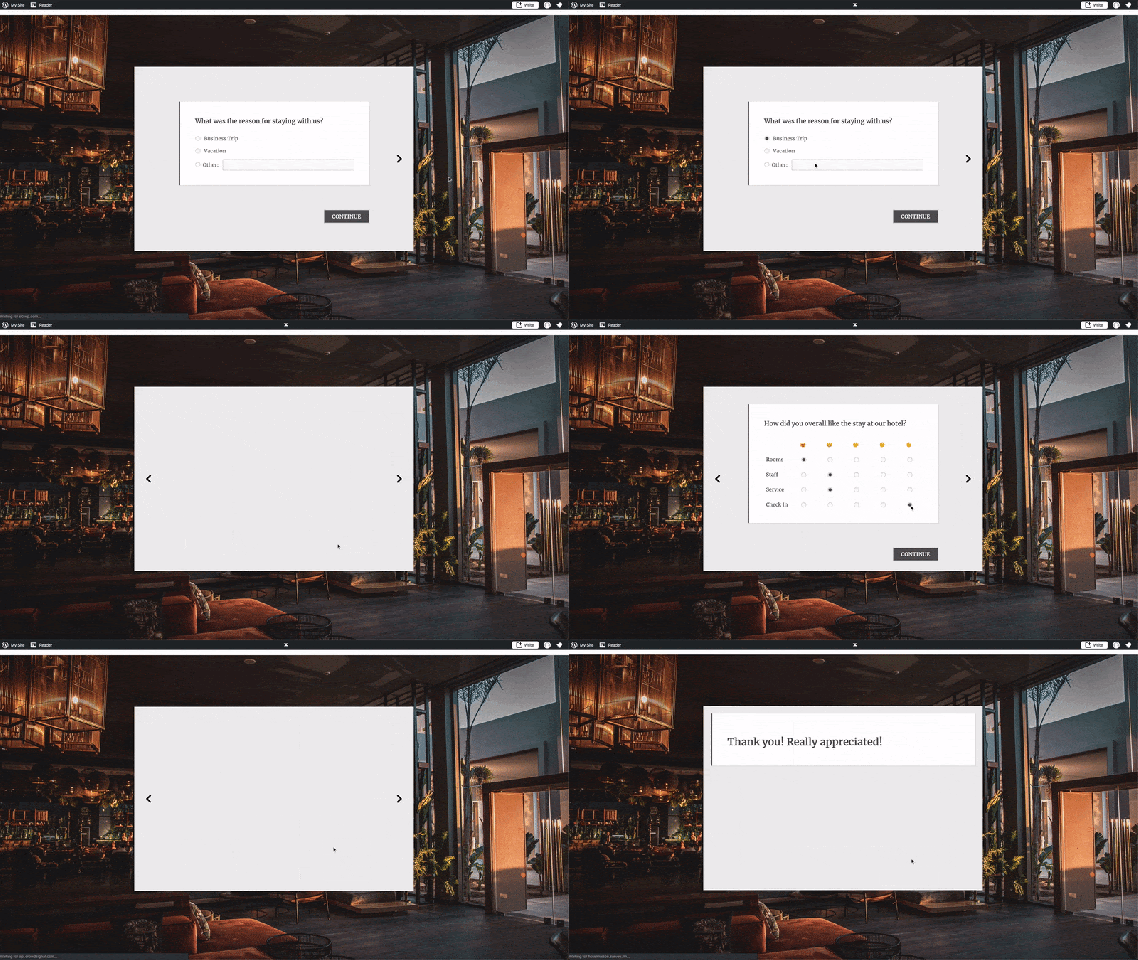
Today we have added a cool new feature to our survey editor. There is now an extra tab at the top of the editor for Conditional Branching.

branching.gif

Conditional branching allows you to set a path through your survey for your respondents. For example you can set a rule that says if a respondent chooses a particular option for one of your questions, then you can jump to page 5 of the survey for example. You can see more information on it on our support article.

We would appreciate any feedback you have if you are using this feature, to help us figure out what else we need to add to it.


New Feature: Print Survey

May 9th, 2008

Print SurveyYou can print a paper version of your PollDaddy survey so that your respondents can fill it out manually. To do so, go to the “List Surveys” page in your account. Select “Options” to the right of the survey you would like to print, and then choose “Print Survey”.


Your printable version of the survey will appear in a new window. Just click on file > print in your browser.


All of the styles have been purposely removed from the survey in order to make it clear for a respondent who has to fill it out by pen.


Once your respondent has filled out the survey, you can enter the responses into your PollDaddy account by going to the “List Surveys” page. Click on “Options” to the right of your survey, and choose “Enter A Response.”


PollDaddy on Loic.tv

May 8th, 2008


New WordPress Support for PollDaddy polls

April 30th, 2008

wordpress-logoWe have struggled to keep up with different compatibility issues with our polls and various version of WordPress over the past year, but we now have a method that should cover all versions of WordPress.

First of all, if your blog is hosted on WordPress.com then you do not need to install the plugin below. When you create a poll on PollDaddy.com, you can choose our new WordPress.com shortcode to insert into your blog post. If you are hosting your own version of WordPress then you need to install one of the plugins below.

For versions of WordPress older than 2.5, you can download the following file and upload it to your plugins directory. (V1.0 plugin)

For versions of WordPress 2.5 and newer, you can download the following file and upload it to your plugins directory. (V2.5 plugin)

When you create a PollDaddy poll you will see an option for WordPress on the ‘HTML Code’ page. From there you have access to a relevant short code for that poll which you can paste into your blog post.

If you have any issues using either of these plugins please get in touch.


Maintenance notification 1st May 9AM GMT

April 29th, 2008

We will be doing some work on our current server infrastructure on Thursday 1st May at 9am GMT. We are adding a new web server to help manage our current growth in traffic. All of your PollDaddy data will still be collected as usual but you will not be able to create any new content between the hours on 9am and 10am GMT. If you have any questions relating to this upgrade please contact us.


New Polldaddy Twitter App

April 14th, 2008

Twitter Polls LogoWe launched a new application this morning to make it easier to post PollDaddy Polls into your Twitter account. You can now pop one straight into your Twitter stream via the URL below:

http://twitter.polldaddy.com

Here are some polls that have been posted this morning already:
Richard McManus: http://answers.polldaddy.com/poll/520498/
Loic Le Meur: http://answers.polldaddy.com/poll/520502/
Mike Arrington: http://answers.polldaddy.com/poll/520658/
Conor O Neill http://answers.polldaddy.com/poll/520536/


Comments not working on our blog, D’oh!

March 26th, 2008

I just realized that the comment box on this blog was broken for the past few weeks. I was wondering why nobody had anything to say. I just figured everyone was happy. Oh well, comments are open for business again…


New MySpace Application

March 19th, 2008

Now it is even easier to post your PollDaddy polls in your MySpace account. We have created a new application on MySpace which allows you to select a poll and display it on your MySpace proflie and/or homepage.


You can find the application here.


Just add the application, then give it a go…

Feedback is welcome to drive what features to develop for this application, so contact us and let us know what you want. Also we plan to cater for all the big social networking sites in the coming weeks, so watch this space for new applications.